
1
Script parsing
From text into production
Import a script, AI draft, or plot outline and turn it into a production-ready drama structure.
View flow
Turn scripts into storyboards, character visuals, voiceover captions, and composed short-drama cuts.
From text into production
Import a script, AI draft, or plot outline and turn it into a production-ready drama structure.
Shots, roles, and scenes
Break story beats into shots, visual prompts, character references, captions, and voiceover lines.
Voice captions and cut
After visuals are generated, align voiceover, captions, and audio strategy into a reviewable drama cut.
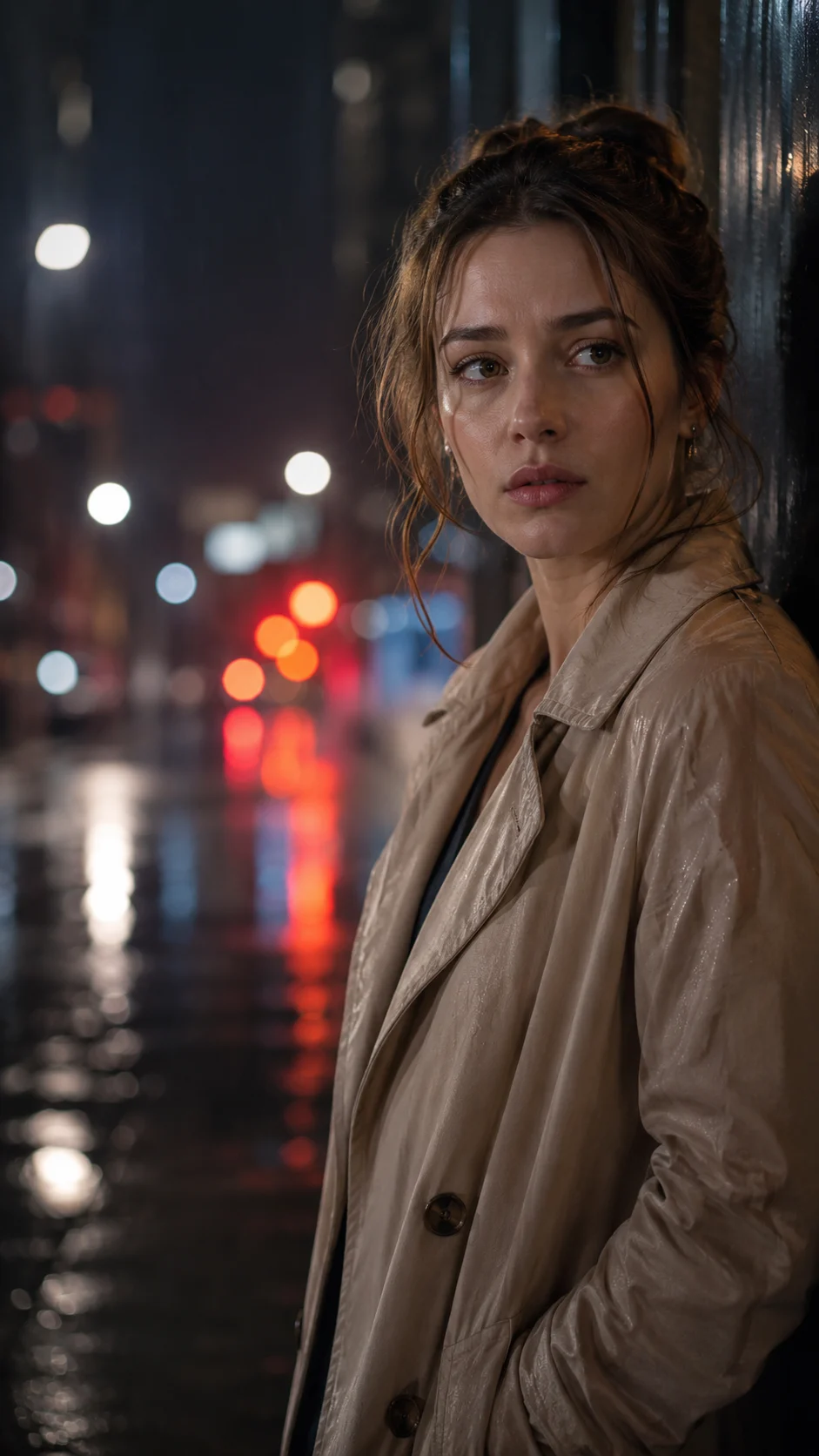
These visuals show how drama shots, caption mood, and character emotion feed into storyboards and composition.

A vertical short-drama scene: a woman pauses in a rainy downtown street at night as a private decision changes the direction of the story. Cinematic lighting, emotional close-up, subtitle-ready framing.
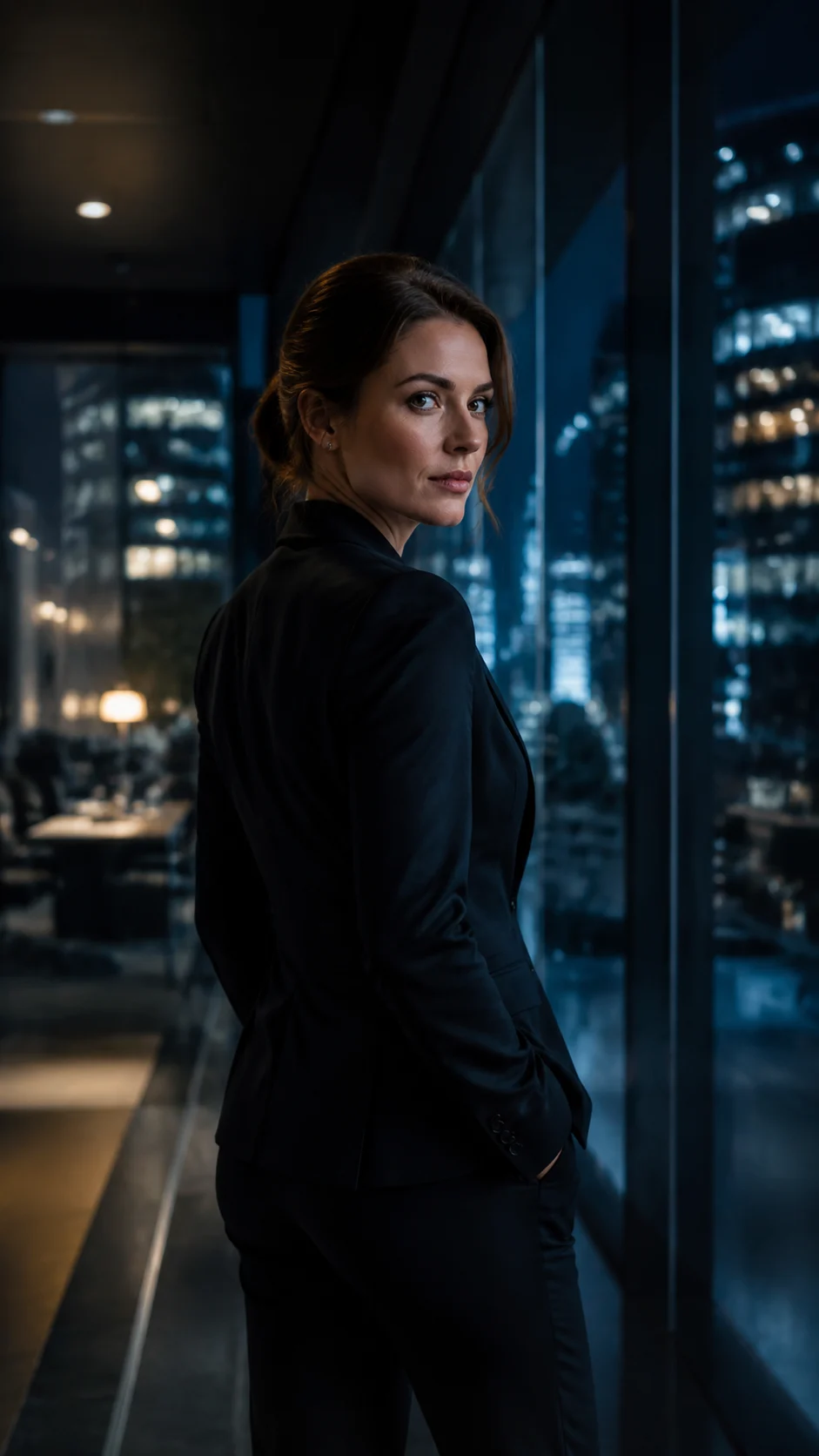
A 9:16 corporate thriller preview where an executive turns back in a glass office corridor, holding a secret before the next reveal. Night city light, close framing, room for captions.

A romance short-drama turning point: two characters stand apart beside a coastal road at golden hour, with the camera holding on the silence before the next subtitle appears.
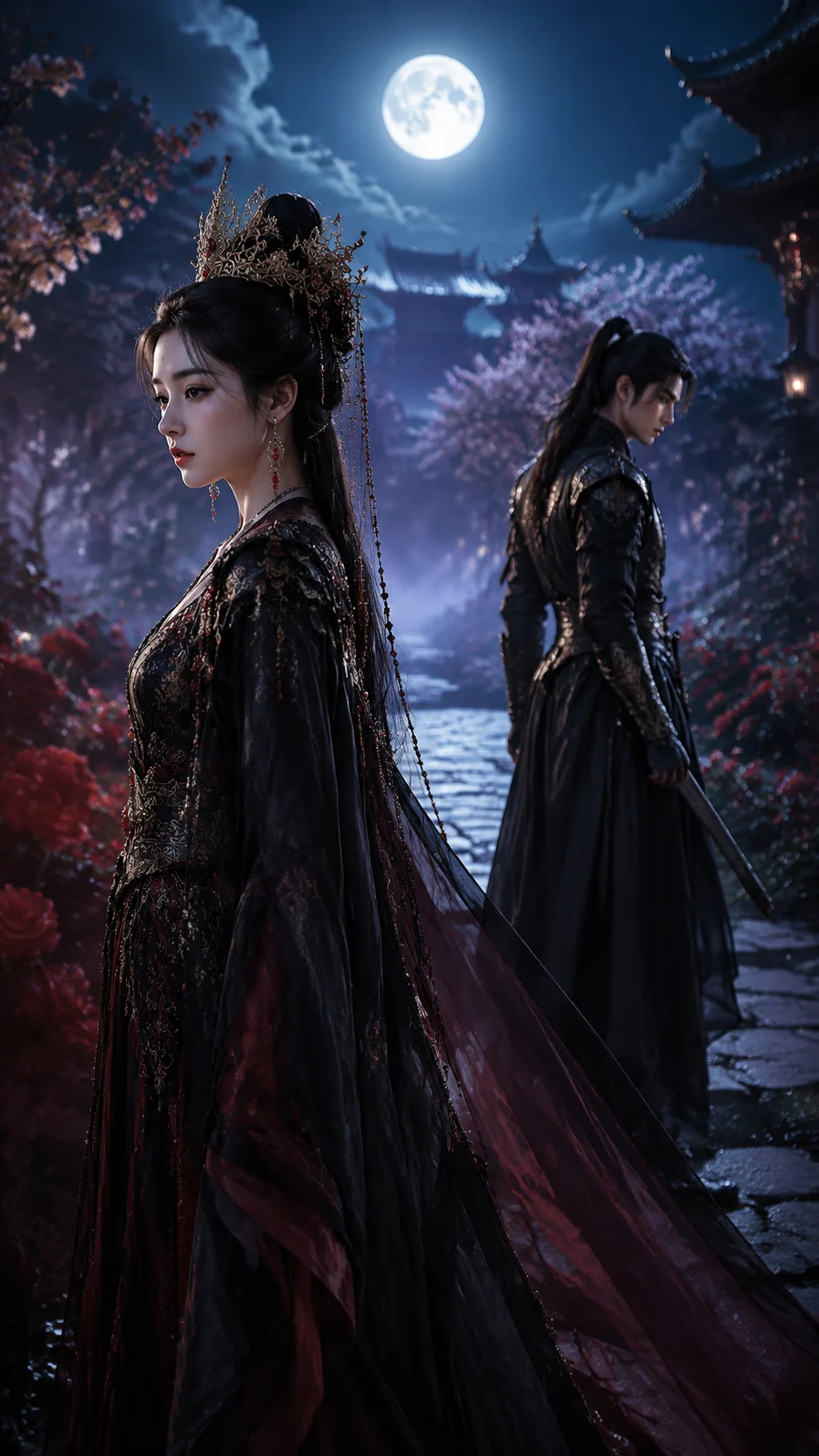

A fantasy romance episode opens with two characters standing apart in a moonlit palace garden. Cinematic blocking, rich costume detail, subtitle-safe lower third.
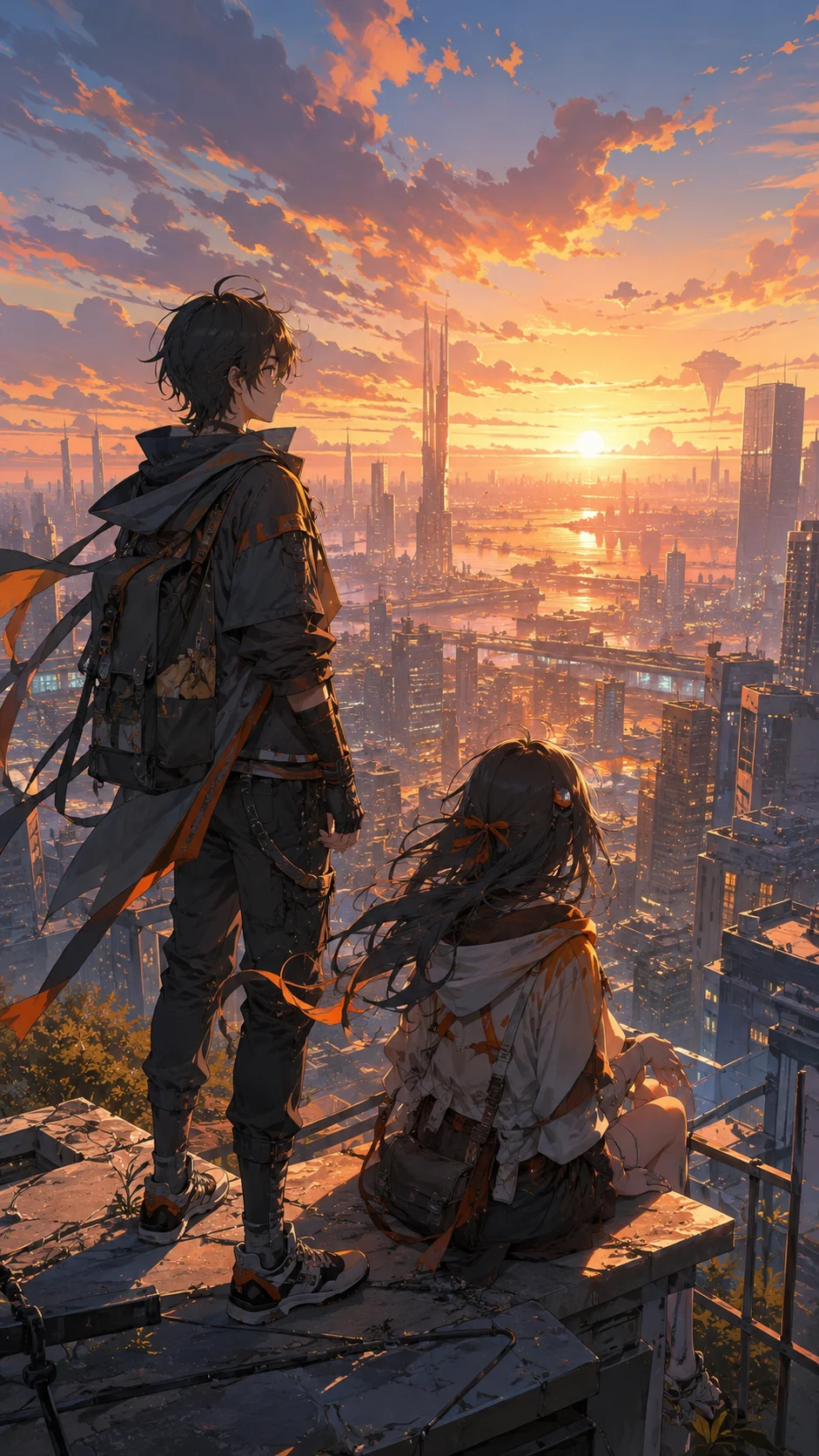

An original anime short-drama beat: two adventurers look over a futuristic city at sunset before choosing whether to leave home. Warm light, detailed background, vertical composition.
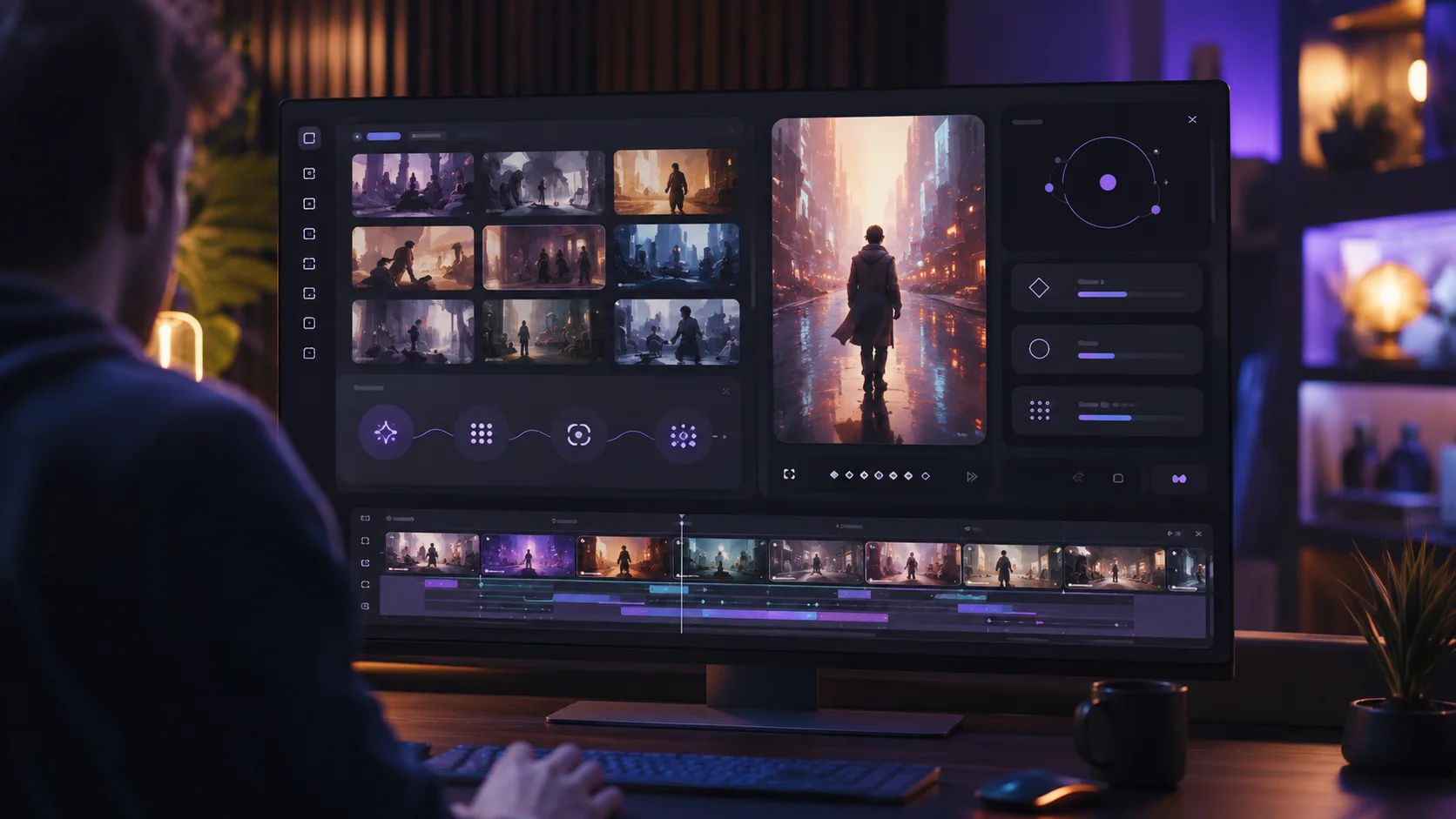

A creator reviews a generated short-drama draft: storyboard cards, a vertical preview, and a timeline arranged for fast iteration. Clean visual hierarchy for review.
A rain-soaked close-up reaction shot in a vertical short drama, with quiet tension and negative space reserved for captions.
A corporate suspense monologue scene built around one withheld line, glass reflections, and a slow push-in camera move.
Start from an existing script, AI draft, or story outline instead of rebuilding the brief from scratch. TrendShort turns text into short-drama production assets.
Turn story beats into shots, character actions, visual prompts, and caption content so images, videos, and final composition stay easier to control.
Handle voiceover, captions, and original video sound strategy around the short-drama cut, then refine pacing and visuals after the first version.
It is built for creators with scripts, AI drafts, or story outlines who want to turn text into storyboards, character visuals, voiceover captions, and reviewable short-drama cuts.
Yes. Import an existing script or plot outline, then TrendShort organizes shots, visual prompts, character references, voiceover lines, and captions.
Yes. TrendShort structures scenes, shots, character actions, and captions so image, video, and final composition steps are easier to control.
Yes. In Studio you can assign voices to roles, generate voiceover and captions, then choose how generated audio should mix with original video sound.
Yes. The workflow is organized around vertical drama cuts, episode production, and character or scene consistency so you can create a first version quickly and refine it.
Generate anime-style short-drama visuals with clearer scenes, characters, and vertical pacing.
Build cinematic short-drama scenes from scripted beats, character direction, voiceover, and final composition.
Generate vertical drama clips with hook-first structure, fast captions, and TikTok-ready pacing.
Create story-led Reels drafts with conflict openings, vertical framing, and caption-friendly pacing.
Convert long scripts into shot-by-shot short-drama production drafts.
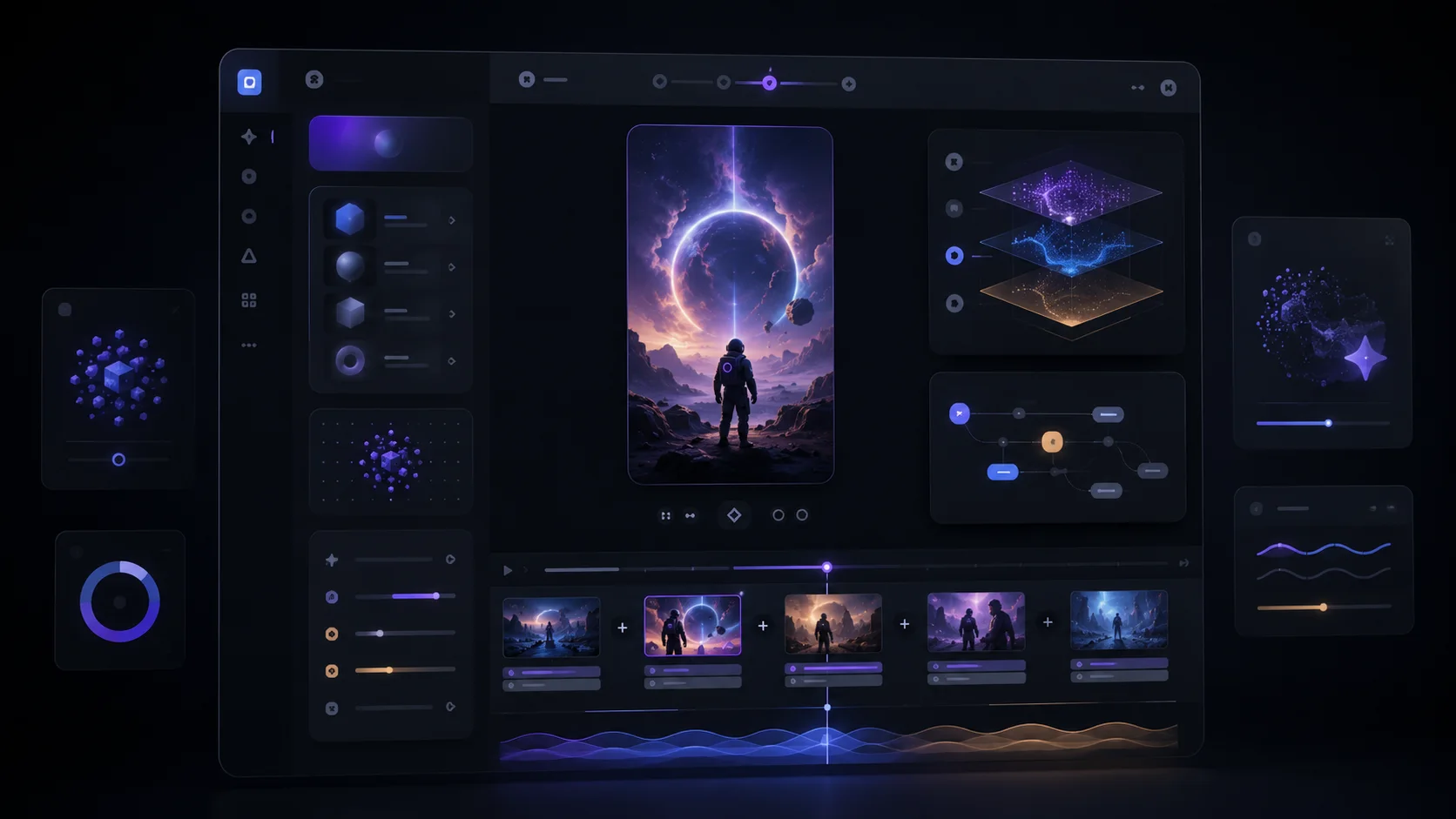
Turn one short-drama scene prompt into a reviewable video draft.
Extract narrative beats from documents and prepare them for short-drama generation.