
Best practices for better results
Practical habits for improving character consistency, shot quality, video generation, voiceover, captions, and final composition.
Step-by-step workflow
Each step is paired with the interface you should use.
Give characters stable identities
Use consistent names, age, wardrobe, role, and visual traits. Avoid renaming a character across steps unless the story requires it.
Keep each shot simple
A shot prompt should focus on one action and one emotional goal. If a scene needs many events, split it into multiple shots.

Fix structure before spending credits
Shot order, duration, action, result, and prompt wording should be reviewed in the storyboard before expensive generation starts.
Use images as quality gates
Regenerate or edit frames before generating video. A weak starting frame usually becomes an expensive weak video.
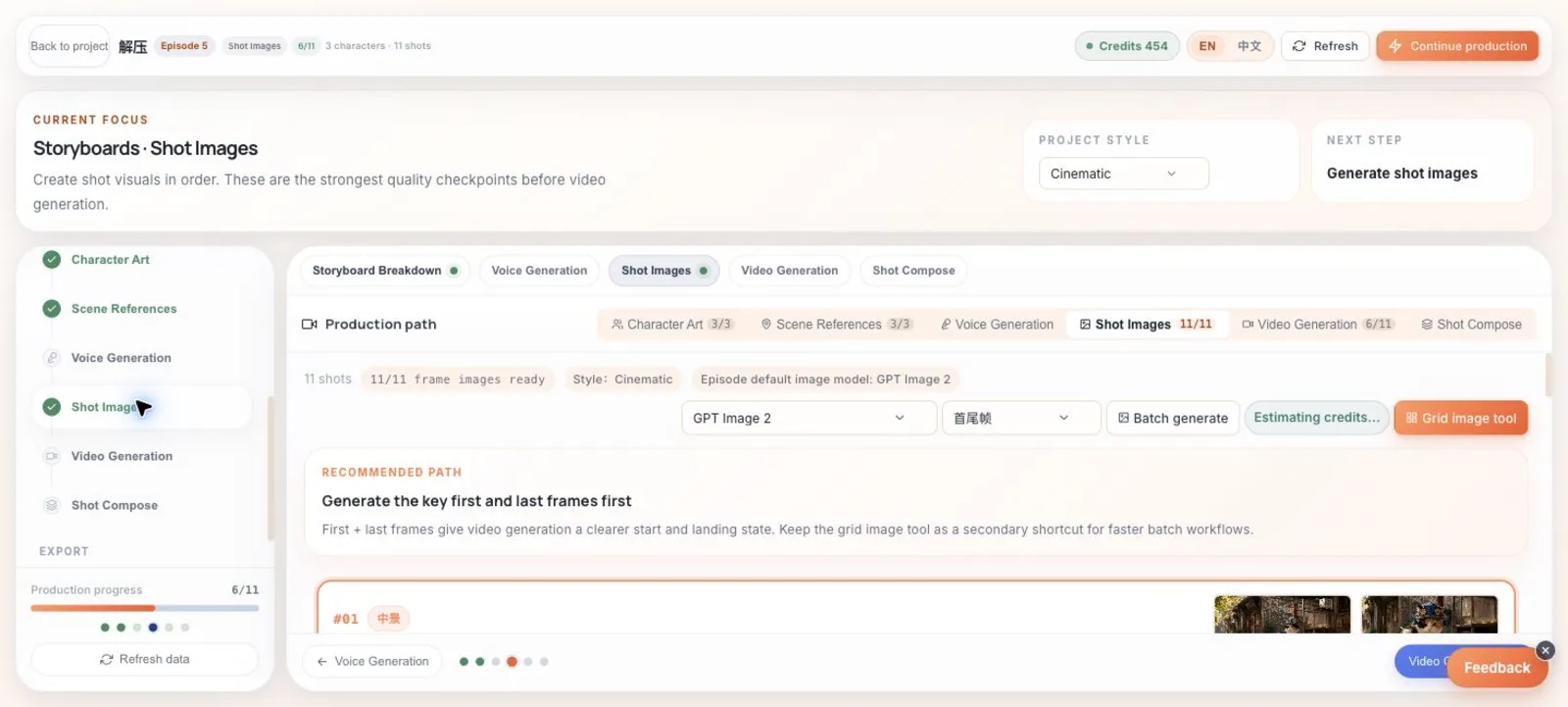
Use first and last frames as quality gates
If the start or end frame is wrong, fix it here before generating a moving clip from the same direction.
Choose composition style intentionally
Use hard cuts for fast action, soft transitions for visible style drift, and dip-to-black when scenes are clearly discontinuous.

Pick transitions intentionally
Hard cuts keep pace, soft transitions can smooth visible style drift, and dip-to-black is better reserved for clear scene breaks.
Review the final cut like a viewer
Watch the cut without reading the prompts. If the story beat is not understandable from the video, revise the storyboard or key frames first.
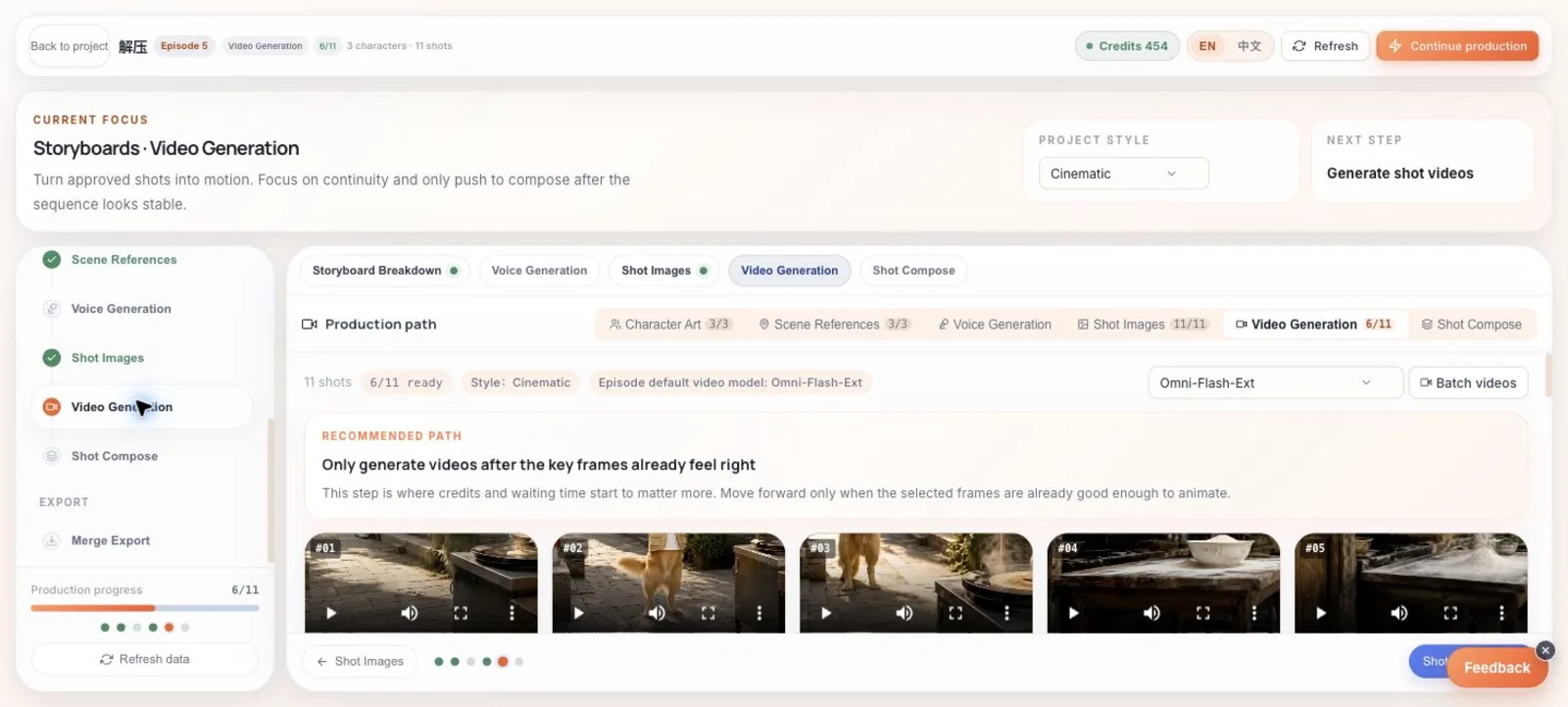
Review generated videos shot by shot
Watch short previews in the video step before moving the whole episode into composition.
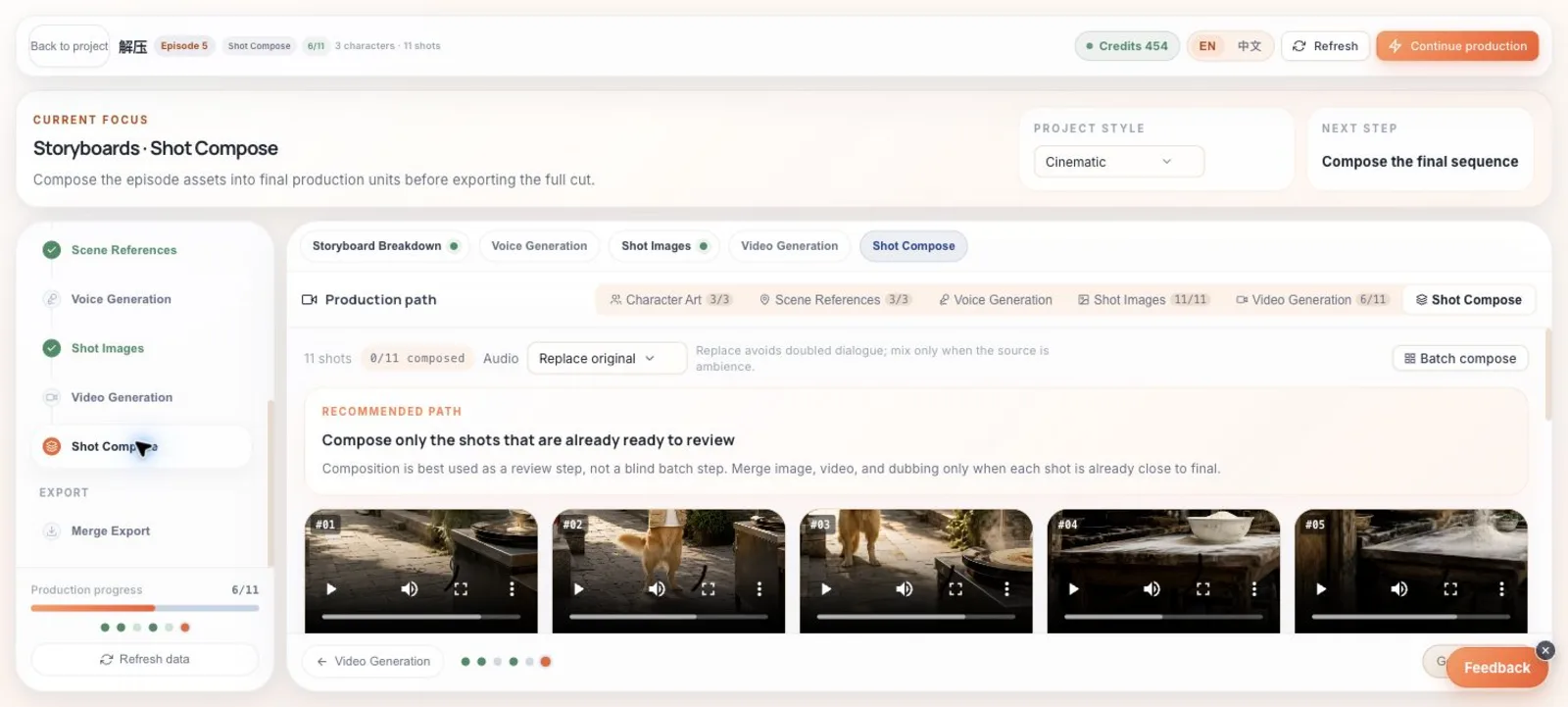
Match audio strategy to the material
Use replacement when voiceover should control the line, and avoid mixing duplicate dialogue when source video already contains speech.
You are ready